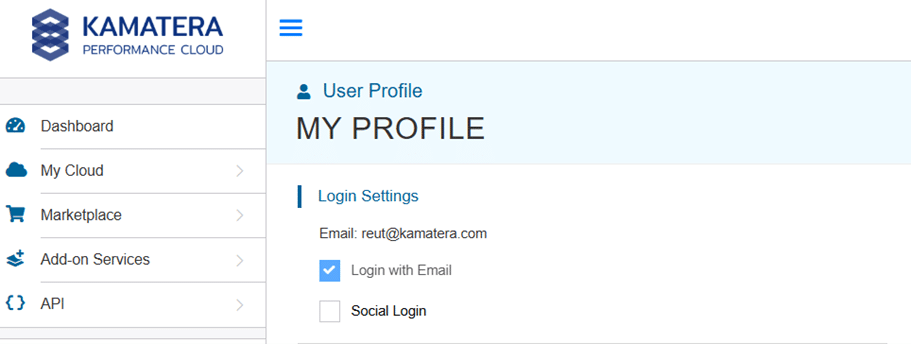
Yes, you can switch your login method on the Kamatera console from a social login (Google, Facebook, or GitHub) to a standard email and password login, and vice versa.
Simply click the user icon that appears above your email address in the header navigation menu of the cloud console. You will be directed to the User Profile page.
In the section titled “Login Settings,” check the box corresponding to your preferred login method and complete the required fields.